MCP Security for Small Business: Risks and a Checklist
MCP security for small business comes down to one question: what can an AI assistant read, change or send once you connect it to your tools? MCP (Model Context Protocol) is the standard that lets assistants such as Claude connect to email, accounting and customer software. In our view, MCP can be safe enough for a small team when used with care, and used carelessly it hands an assistant, and anything that tricks it, a lot of access. This guide shows how to connect an AI assistant to business tools safely: the risks in plain English, a short test and a checklist you can follow or hand to an IT contractor.
This is general information, not security advice. The facts below come from the MCP specification, OWASP, Anthropic, OpenAI, Google Cloud and Postmark, all read on 11 November 2026 and linked at the end. We have not tested these tools ourselves, and advice that is not a quoted source is our own suggestion, so treat it as a cautious default, not a proven result. We have no affiliation with any vendor named here.
Key Takeaways
- MCP can be safe enough for a small business if you control what you connect and what the assistant may do. The MCP specification says tools “represent arbitrary code execution”.
- The main risks include hidden instructions in content the assistant reads, lookalike or poisoned servers, tools that change after you approve them, and tools that can send data out.
- Before you add a second tool, ask three questions: can the set read private data, read content from strangers, and send or change things outside? In our view, yes to all three is high risk.
- Review what is connected on a schedule, remove access when people leave, and know how to disconnect fast.
Is MCP Safe for a Small Business?
It can be, with limits, and nobody can promise it is safe in every setup. The MCP specification says tools “represent arbitrary code execution and must be treated with appropriate caution” and that hosts “must obtain explicit user consent before invoking any tool”. It also admits that MCP “cannot enforce these security principles at the protocol level”. In plain words, safety depends on the app you use and on the choices you make.
Anthropic is equally frank. Its research on prompt injection calls the problem “far from a solved problem”. Google’s security page for its Cloud MCP servers warns that actions “can include non-reversible changes to resources”. So, in our view, the honest answer to “is MCP safe?” is: safe enough to use, if you treat it like giving a new employee access to your accounts.
If you are new to the idea, our guide to MCP servers for small business explains what MCP is and lists four basic risks and seven starter rules. This guide mostly does not repeat them. It adds a test, a routine and a response plan.
MCP Server Security Risks in Plain Terms
Each row below names an official source, so you can check it yourself.
| Risk | What it looks like in a business | Source |
|---|---|---|
| Hidden instructions | An email or web page contains text, for example in white type, telling the assistant to forward “confidential” mail to an outside address | Anthropic, prompt injection research |
| A poisoned server | A server whose tools look normal but whose replies carry hidden instructions. Owners get connected through requests like “add this server for compliance checks” | OWASP, MCP Tool Poisoning |
| A tool that changes later | A tool you approved is updated and behaves differently | Anthropic, custom connectors help |
| A lookalike package | A fake tool copies a real vendor’s name | Postmark’s own statement |
| Data leaving through a second tool | A web page tricks the assistant into putting a customer’s email address in a web link, even when the CRM tool only reads | OpenAI, MCP guide |
| Approving without looking | Clicking “yes” to every request so the safety step stops working | Google Cloud, AI security and safety |
Hidden instructions. Anthropic’s research page, written about browser agents but, in our reading, relevant to any assistant that reads outside content, defines prompt injection as “adversarial instructions hidden within the content that AI models process”. Its example is an email that tells an agent to forward confidential messages to an outside address.
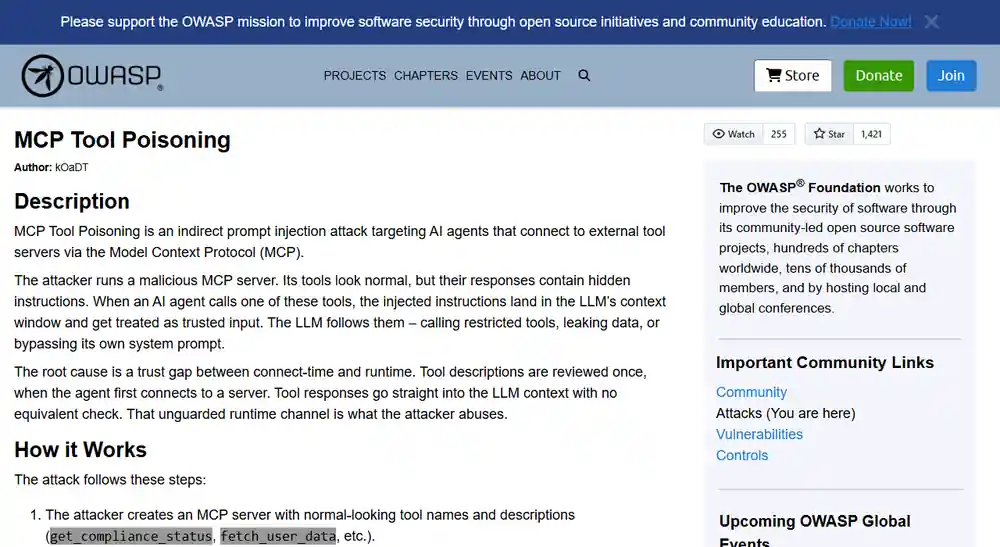
A poisoned server. OWASP’s MCP Tool Poisoning page says an attacker’s server can hide instructions in its replies, and that a victim can be connected through social engineering or a public registry. OWASP also keeps an MCP Top 10 list. Its own roadmap says beta, although the page also tags the project “Production Project”, so treat it as guidance, not a finished standard.
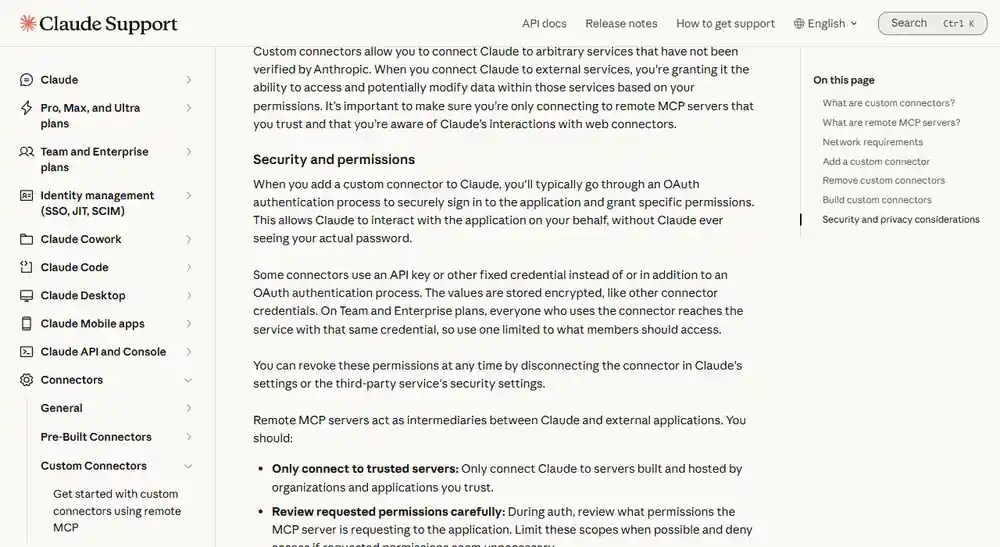
A tool that changes later. Anthropic’s custom connector guidance says: “Server developers may update tool behavior unexpectedly, leading to unintended or malicious behavior.”
A lookalike package. In September 2025, Postmark said a fake npm package called “postmark-mcp” was impersonating it and stealing user emails. It said the attacker added a backdoor in version 1.0.16 that secretly BCC’d emails to an external server, and added: “This is not an official Postmark tool.” We rely only on Postmark’s statement and give no victim numbers, because we did not find any on an official page.
The Combination Test Before You Add a Second Tool
In our view, single tools are often fine, and trouble tends to start when several are connected at once. Picture a bookkeeper who connects Gmail, an accounting tool and a web browser to one assistant. OpenAI’s MCP guide gives a similar example: a web page could tell the model to look up a customer in your CRM and put the email address in a web link, and fetching that link would reveal the address “even if the CRM tool only allows reads”. Google’s page names a related risk, “insecure tool chaining”, where an agent combines tools “in unpredictable or malicious ways”.
From those statements we suggest a simple test. Look at everything connected to one assistant and answer three questions:
- Can it read private business data? Customer records, invoices, documents, mail.
- Can it read content written by people you do not control? Inbox messages, web pages, form entries, support tickets.
- Can it send, post, change or delete something outside your control? Email, messages, payments, files, website edits.
If the answer is no to at least one, the risk is lower. If it is yes to all three, we would call the setup high risk. Remove one of the three, split the tools between separate assistants, or require your approval on the third.
This is a simplified version of an idea that security researcher Simon Willison named the “lethal trifecta” in a June 2025 post on his personal blog, which describes the same three ingredients: private data, untrusted content and external communication. It is one person’s framework, not an official standard. Our comparison of MCP, APIs, Zapier and n8n gives a shorter two-part version: avoid combining servers that read untrusted content with servers that can change your data.
Four Permission Levels
“Read-only or write” leaves out useful middle steps. We suggest thinking in four levels and starting at the lowest that does the job. The levels are our own framework. Official pages support the split between approving each action and letting the assistant act on its own.
| Level | What the assistant can do | Where it fits |
|---|---|---|
| 1. Read only | Look things up and summarise | Reports, searching records |
| 2. Draft only | Prepare an email, note or entry that you review and send | Replies, content, bookkeeping drafts |
| 3. Approval each time | Act, but only after you say yes to that specific action | Anything that changes data |
| 4. Automatic | Acts without asking | Only for low-stakes, trusted tools |
Anthropic’s connector settings let you pick “Always allow, Needs approval, or Blocked” for each permission. It also says that even when you allow a write action, “a person still needs the underlying permission in the source system”, so restricting actions in Claude “only narrows” access. Google’s Cloud page contrasts a mode where a human approves each action with one where the agent acts “without waiting for approval”, and says the second “is vulnerable to prompt injection”. It also warns that approving every request is no full cure, because people can approve things without checking them.
One more warning from Anthropic: during research, Claude “can invoke tools from your connectors automatically without further approval”. In our view, this is a good reason to switch off write tools before you use research features. Our guide to Claude Cowork for small business applies the same read-and-write questions to Anthropic’s packaged workflows, and our checklist on whether Claude Cowork is safe for business covers its approval prompts.
How to Check If an MCP Server Is Safe Before You Connect
Use these questions on any connector. If you cannot answer one, ask your IT contractor or the vendor.
- Who runs it? OpenAI recommends official servers hosted by the service provider itself, and gives Stripe as an example. Anthropic says a connector you add yourself connects Claude to an “unverified service” and advises connecting only “to servers from trusted organizations”.
- Where did the link come from? A message that says “add this server” is the route OWASP describes for poisoned servers. Get the address from the vendor’s own site.
- What does it ask for at sign-in? Anthropic advises you to “limit these scopes when possible and deny access if requested permissions seem unnecessary”. Scopes are the permissions the server asks you to grant.
- Does it run on your computer? The MCP security guidance says local servers “may have direct access to the user’s system”. That means a bad one can reach your files and programs, so prefer servers the vendor hosts.
- Which tools can you switch off? Anthropic says you can block individual tools under Customize, then Connectors, by selecting the connector and setting the tool to Blocked. That was the path when we read the page on 11 November 2026, and menus can change.
- How are tool changes announced? Ask the vendor how you would find out. Anthropic’s advice is to monitor for unexpected changes in tool behavior.
Our list of official MCP servers by vendor shows which ones the vendors publish themselves.
A Connector Inventory You Can Keep in a Spreadsheet
You cannot review what you have forgotten. Keep one row per connector:
| Connector | Added by | What it can do | Level (1 to 4) | Last reviewed |
|---|---|---|---|---|
| Example: accounting | Owner | Read invoices | 1 | 11 Nov 2026 |
Our suggestion is a quick look monthly, which matches the monthly check in our pillar guide, and a fuller review each quarter. In the full review, run the three-question test again, remove anything unused and ask whether each level could be lower. Avoid shared logins for connectors, because you cannot tell who changed what.
When Someone Joins or Leaves
This step is easy to forget. Our suggestion, using one official anchor: Anthropic says you can revoke a connector’s permissions “by disconnecting the connector in Claude’s settings or the third-party service’s security settings”.
- On arrival: give the person the lowest level they need and add their connectors to the inventory.
- On departure: list every connector they added. Disconnect it, or move it to another named owner, and change any shared passwords or keys they knew.
- In the source system: remove or reduce their own account there too. As Anthropic notes, Claude cannot do more than the source system allows.
We have not reviewed vendor-specific admin steps, so check each service’s own help pages.
If Something Looks Wrong
Signs include messages you did not write, files shared that you did not share, or settings that changed. Our suggested order:
- Stop using the connector.
- Disconnect it in Claude’s settings or in the other service’s security settings.
- Change the passwords or keys the connector used.
- Check the service’s own activity history for what was sent, shared or changed.
- Tell the vendor and, if customer data may be involved, seek advice on what you must tell customers. This is not legal advice.
For an email-specific example, see our guide to connecting Claude to Gmail safely.
MCP Security Checklist for Small Business
Here is the whole guide as one list. Each line is our suggestion, built on the sources above.
- List every connector in a spreadsheet and give each a named owner.
- Connect only servers run by the vendor, using a link from the vendor’s own site.
- Start at permission level 1 or 2, and raise it only for a stated reason.
- Block the tools you do not need.
- Run the three-question test on everything one assistant can reach.
- Keep approvals on for anything that changes data, and keep money movement manual.
- Glance at the list monthly and review it fully each quarter.
- Remove access and change shared keys when someone leaves.
- Know how to disconnect before you need to.
Frequently Asked Questions
Is MCP safe for my business?
It can be, if you choose trusted servers, give the lowest permissions that work and review what is connected. The MCP specification itself says the protocol cannot enforce its security principles, so the choices are yours.
Can an AI assistant with MCP access leak my business data?
Yes, in principle. OpenAI’s guide says a malicious server can steal sensitive data from anything that enters the model’s context. The combination test and approvals are there to limit that.
Is read-only access enough?
It is the safest place to start, but it is not a full guarantee. OpenAI’s example shows a customer’s email address leaking through a web link even when the CRM tool only reads, so pair read-only access with the combination test.
Are community MCP servers safe?
We did not review any. Anthropic calls servers you add yourself “unverified”, and OpenAI says to pick official servers hosted by the provider. Treat a community server as unknown until you have checked who wrote it and what it asks for. If you build your own, our guide to creating an MCP server without coding covers the setup checks.
Sources
All pages were read on 11 November 2026.
- Model Context Protocol, Specification (version 2026-07-28)
- Model Context Protocol, Tools
- Model Context Protocol, Security Best Practices
- OWASP, MCP Tool Poisoning
- OWASP, MCP Top 10 project (beta at the time of reading)
- Anthropic, Get started with custom connectors using remote MCP
- Anthropic, Use connectors to extend Claude’s capabilities
- Anthropic, Add a connector that isn’t in the directory
- Anthropic, Mitigating the risk of prompt injections in browser use (24 November 2025)
- OpenAI, MCP servers and connectors guide
- Google Cloud, AI security and safety for MCP servers (last updated 26 October 2026)
- Postmark, Information regarding malicious “postmark-mcp” package (25 September 2025)
- Simon Willison, The lethal trifecta for AI agents (16 June 2025, a personal blog, cited only for the name and idea)