Create an MCP Server Without Coding: What Actually Works
You can create an MCP server without writing code, but only by letting a platform host it for you. Zapier, Make and n8n each document a way to turn your own apps or workflows into tools that Claude can call. They are not equally “no-code”. Zapier and Make are set up in a web dashboard. n8n’s own docs show a Claude Desktop route that needs a command line tool and a config file. Before you build anything, check whether the server you need already exists.
This is general information, not security advice. The facts below come from the vendors’ own documentation (Zapier, Make, n8n and Anthropic), read on 9 November 2026. We have not built or tested these connections ourselves, so our suggestions are cautious defaults, not proven results. Where a page does not say something, we say “not stated” instead of guessing.
Key Takeaways
- “No-code” means a platform hosts the MCP server and you configure it in a dashboard. You do not write or host server code.
- Zapier MCP and Make are the two dashboard routes. n8n is visual, but its docs show a Claude Desktop setup that uses a command line tool.
- Each route has a limit worth knowing: Zapier counts tasks, Make toolbox scenarios must finish in 40 seconds, and n8n’s claude.ai sign-in behaves unexpectedly.
- In Claude, choosing “No sign-in” means anyone with the server URL can use the connector.
Do You Need to Build One at All?
Often not. If the tool you want to connect is a CRM, accounting package or website, its vendor may already run an official server. Use that first. We cover official servers for small business, including CRMs, QuickBooks and Xero and WordPress. Building your own makes sense when the tool you need has no official server, or when you want Claude to run a specific workflow you already have.
If you are new to the idea, our guide to MCP servers for small business explains what an MCP server is.
What “Without Coding” Really Means
The phrase covers three different jobs. The table sorts the routes by what the vendors’ documentation says you do yourself.
| Route | What you do | What the docs say to watch |
|---|---|---|
| Zapier MCP | Pick apps and actions in Zapier, then connect your MCP client | Each successful call uses 2 tasks from your plan. Needs a client that supports Streamable HTTP |
| Make | Turn active, on-demand scenarios into tools, then connect with OAuth or an API key | Toolbox scenarios must finish within 40 seconds. Some access scopes need a paid plan |
| n8n | Build a workflow, add an MCP Server Trigger node, attach tools | Claude Desktop route uses mcp-remote and a config file. claude.ai asks for sign-in even with authentication set to None |
Writing server code yourself is a fourth route. It is outside this guide, and we explain at the end when it is worth paying a developer.
Route 1: Zapier MCP
Zapier MCP connects an MCP client to your Zapier account. Zapier’s docs say it lets your AI take actions across 9,000+ apps and 40,000+ actions, under Zapier’s workspace access controls, user permissions and audit history, and that Zapier is SOC 2 Type II certified. They add that if you do not write code, you can use your preferred MCP client with Zapier.
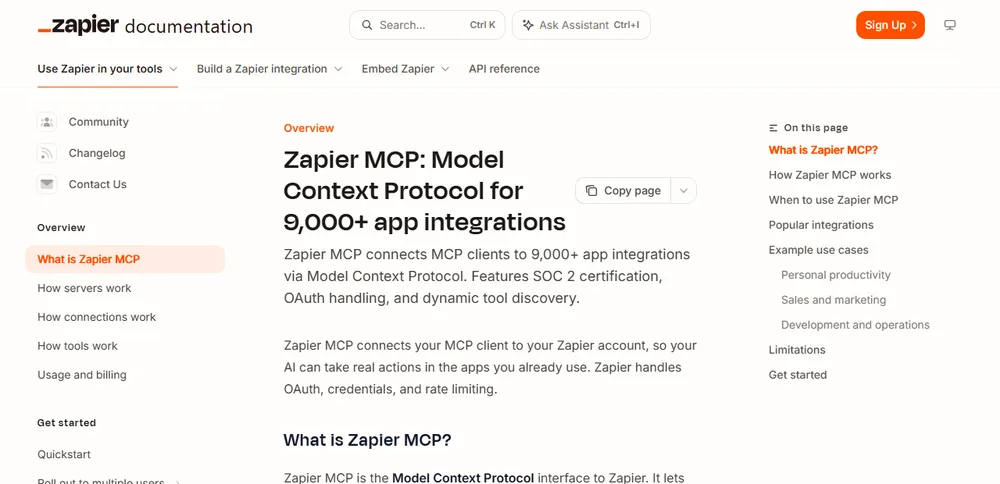
The setup has three parts. Your MCP server holds the apps and actions your AI can use. Your MCP client, such as Claude, connects to it, and most clients sign in with OAuth. The tools are the actions the client can call. Each server has one of two modes. In agentic mode, the AI finds and adds actions during the conversation. In managed mode, you pick a fixed set of actions. In our view, a fixed set is easier for a small business to keep under control.
What to know before you start, all from Zapier’s documentation:
- Cost is tasks, not a separate bill. Zapier MCP runs on your existing plan. Each successful tool call uses two tasks, failed calls do not count, and test calls do count. Zapier’s own example: searching and updating 10 records is 11 tool calls, or 22 tasks.
- There is a hard stop. If pay-per-task billing is off or not included in your plan, tool calls stop until your billing cycle resets, you upgrade, or you turn it on.
- Sharing is limited. Sharing a server needs a Team or Enterprise plan. On any plan you can share a copy of your tool list as a tool bundle instead.
- Your client must support Streamable HTTP. Zapier MCP does not support Server-Sent Events.
Zapier’s quickstart walks through picking a client and running a first tool call. For how Zapier compares with calling an API directly, read our comparison of MCP, APIs, Zapier and n8n.
Route 2: Make Scenarios and Toolboxes
Make offers two ways in. Its MCP server lets a client such as Claude run your scenarios and manage parts of your Make account. Its MCP toolboxes are dedicated servers that expose only the scenarios you choose. Make describes the toolbox as the choice when you want more control over which tools a client can use.
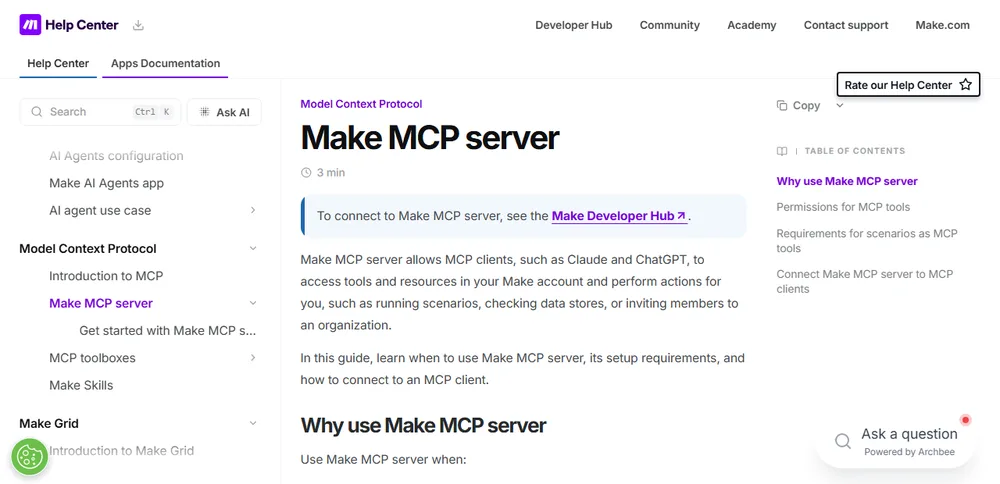
For a scenario to become a tool, Make says it must be set to active with on-demand scheduling, and you configure its inputs and outputs to define the data exchanged with the client. Access depends on scopes. Scenario-run scopes let a client view and run activated scenarios, and are available on all plans. Management scopes let a client view and modify things like scenarios, teams, connections, webhooks and data stores, and need a paid plan.
The toolbox features that matter most for safety:
- Per-tool labels. You can mark each tool Read only or Read & write. Make says tools are Read & write by default, so you have to change this yourself. Make also says these labels are annotations that help clients decide how cautious to be, in clients that support them.
- Keys and URL. Each toolbox has a unique URL and API key authorization, with multiple keys possible. You can optionally restrict access by IP address.
- A 40-second limit. Toolbox scenarios must finish within 40 seconds. If one runs longer, the connection times out and nothing is returned to the client.
Make documents two ways to send the API key: in an Authorization header, or in the URL itself for clients that do not support headers. In our view, a key inside a URL is easier to leak than a key in a header, so treat any such URL like a password. Make also says only OAuth lets you restrict access to a specific Make organization.
Route 3: n8n’s MCP Server Trigger
n8n’s MCP Server Trigger node lets n8n act as an MCP server. It exposes a URL that clients use, and the node only connects to tool nodes. You expose a workflow by attaching it with the Custom n8n Workflow Tool node. Authentication can be None, n8n User Auth (OAuth2, on node version 2 and later), Bearer auth or Header auth.
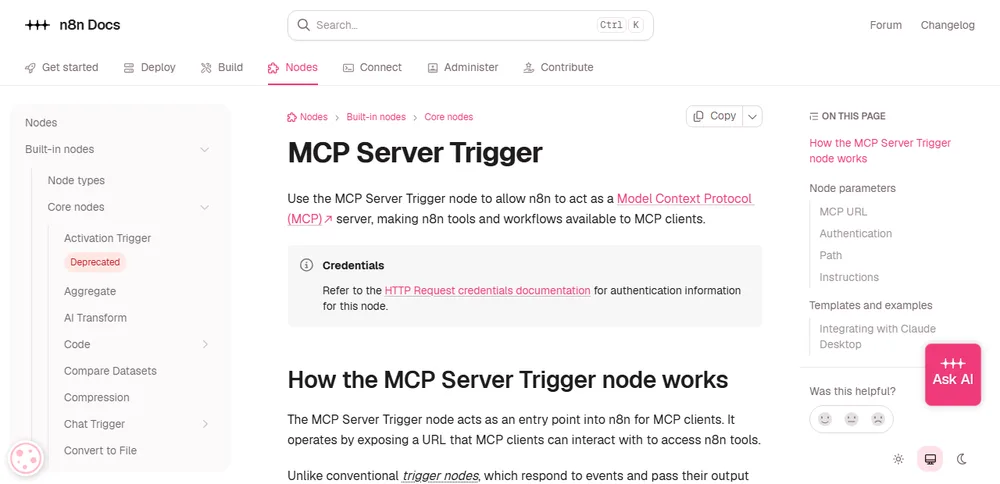
This is the route where “no code” is weakest, for three reasons straight from n8n’s page:
- For Claude Desktop, n8n’s example runs
npx mcp-remotewith a config file entry and a bearer token. That means editing a configuration file and having the tool installed, which is not a dashboard task. - claude.ai custom connectors ask you to sign in to n8n even when you set Authentication to None. n8n says claude.ai is the only client known to do this.
- n8n’s page also describes extra steps for some setups. Behind a reverse proxy such as nginx, you need to disable proxy buffering for the endpoint. In queue mode with several webhook replicas, you must route all
/mcp*requests to one replica. We did not verify whether n8n’s hosted plans are affected or what they require, so check before you choose.
If you already use n8n and are comfortable with these steps, it is a capable option. If you are starting from nothing, Zapier or Make is a gentler start.
Add Your Server to Claude as a Custom Connector
Anthropic’s documentation says you add a remote server to Claude by its URL as a custom connector. It works on the Free, Pro, Max, Ultra, Team and Enterprise plans, and on the Free plan you can add one custom connector.
On a personal plan, go to Customize, then Connectors, click Add custom connector, enter the server URL and add OAuth credentials if needed. On Team and Enterprise plans an Owner adds the connector for the organization under Organization settings, and members then connect with their own accounts.
Three details from Anthropic’s page deserve attention. First, if your server uses an API key, Anthropic says to choose No sign-in and add the key under Request headers. But request header authentication is in beta and available to a limited set of organizations, so you may not see it. Second, you cannot change authentication settings after you add a connector. To change them you remove the connector and add it again. Third, Anthropic warns that custom connectors allow connections to unverified services.
We did not test whether a Make toolbox URL with a key in it works in Claude, so do not assume it does. Check each vendor’s current page.
A Safe Setup Checklist
These steps combine Anthropic’s published precautions with our own suggestions. Ours are marked. For the risks and a checklist that apply to any connector, see our guide to MCP security risks.
- Expose as few tools as you can. Start with one or two read-only actions. (Our suggestion.)
- Use read-only labels where the platform offers them. In Make toolboxes, change the default from Read & write for tools that only look things up.
- Use a test account or sample data first. Zapier counts test calls toward your tasks, so a short trial still uses some. (Our suggestion, with Zapier’s task rule.)
- Only connect to servers from trusted organizations, and review the permission scopes requested during sign-in. Both are Anthropic’s advice.
- Review each tool approval request. Anthropic says to only click Always allow for trusted servers.
- Block tools you do not need. Under Customize, then Connectors, Anthropic says you can set a tool’s permission to Blocked.
- Treat server URLs and keys like passwords. This matters most for any URL that contains a key. (Our suggestion.)
- Turn off connectors you are not using. Anthropic suggests the toggles in the chat’s plus menu.
- Keep your connections apart from tools that read untrusted content, such as email or web pages. Anthropic notes prompt injection risks. Our post on whether OpenClaw is safe for business explains why this matters.
When to Hire a Developer
A no-code route fits when you want Claude to run existing apps and workflows. It is the wrong tool when you need custom logic that no platform exposes, or when a task takes longer than a platform limit allows, such as Make’s 40-second toolbox limit. Anthropic’s docs also point to other routes for other situations. A desktop extension runs a server on your own computer and suits access to local files or tools. If your server runs inside a private network, Anthropic points to its MCP tunnels. We have not covered either route here.
Frequently Asked Questions
Can I create an MCP server without coding?
Yes, with a platform that hosts it. Zapier says that if you do not write code you can use your MCP client with Zapier, and Make turns active scenarios into tools. n8n is visual, but its Claude Desktop example needs a command line tool and a config file.
Is it free?
The pages we read do not give a price, so check each vendor’s pricing page. Zapier says MCP has no separate billing and uses tasks from your plan. Anthropic says the Free plan can add one custom connector.
Can anyone use my server if they find the URL?
If you choose No sign-in in Claude, Anthropic says anyone with access to the server URL can use the connector. Prefer a sign-in option, and keep the URL private.
Which route should I start with?
If you already use Zapier or Make, start there and expose one read-only action. Choose n8n if you already run it and are comfortable with its setup steps. This is our view, not a vendor recommendation.
Sources
- Zapier Docs, Zapier MCP overview and Usage and billing
- Make Help Center, Make MCP server and MCP toolboxes
- n8n Docs, MCP Server Trigger node
- Anthropic, Add a custom connector (claude.com/docs/connectors)
All retrieved 9 November 2026.